
ETS2 retarder guide
Have you ever wanted to slow down your truck gently and ended up braking it at half of the speed?
Well, I’ve got you covered! On this page you’ll find how to brake properly in Euro Truck Simulator 2 (ETS2) using the retarder.
Real-life truckers don’t always use the footbrake (service brakes), instead, they use the retarder most of the time when braking the truck on highways.
What is a retarder?
A retarder is an additional braking system that slows the vehicle gradually and reduces wear on the main brakes by generating resistance in the drivetrain or engine system.
A retarder is useful in situations where continuous or controlled braking is essential, for example, on long downhills, with heavy loads, or in adverse weather conditions. A retarder is useful in situations where continuous or controlled braking is essential, for example, on long downhills or when carrying heavy loads.
Not only does it make the braking system more reliable, but with it the braking is also smoother, making the driving more pleasant.
how to use a retarder
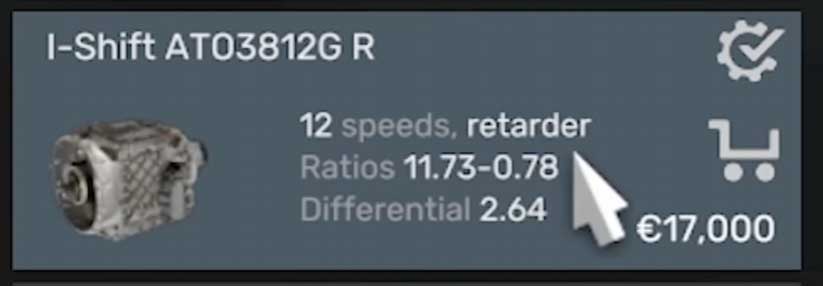
Not all trucks come with a retarder by default. You need to install in your truck a transmission with it. You can search for them in the service center. The names of the ones that include retarder end with the letter R. And it also says it in the description of the transmission (as shown in the image below).
assigning keybinds
Now that you have a retarder in the truck, you need to assign the keybinds for it in the settings. You need to assign keybinds for these two options: increase and decrease retarder. Also, you can activate the automatic retarder when you press the brake pedal, but I don’t recommend you do it for the most realistic experience.
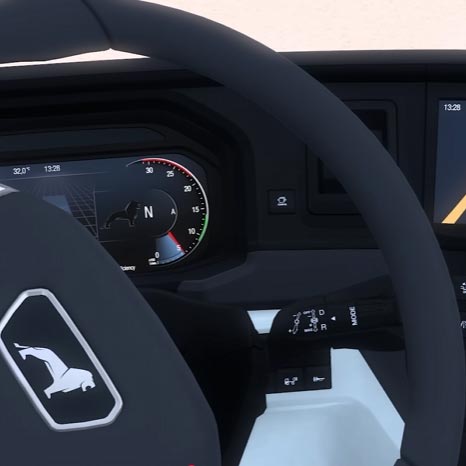
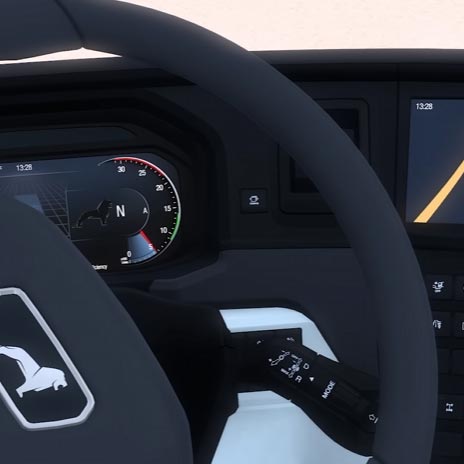
What those keybinds that we have set do is that when you press them, they increase or decrease the amount of retarder to use. If you only press the keybind once, it will activate the first position of the retarder, which will give you a little braking power, perfect for conditions where you just need to control the speed of the truck and not brake. And if you press it until the last position, it will give you the most braking power.
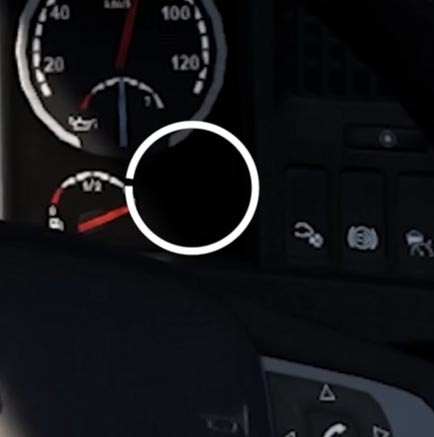
To deactivate it, you just need to press the keybind for decreasing the retarder until the icon disappears from the dashboard. As you can probably see, there are more than just two positions; each one will give you more braking power, so you can adapt to the conditions that you are facing.
additional settings/automatic retarder
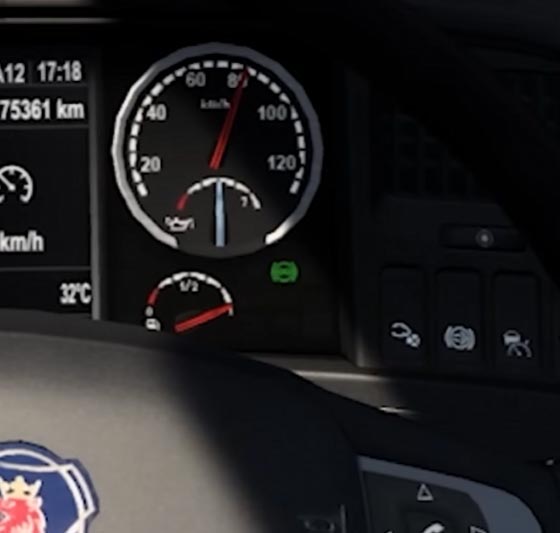
Also, you can activate the automatic retarder when you press the brake pedal by checking the option that says “Automatic retarder” under the assistants’ settings in the gameplay settings.
references
Here I leave the resources that I used to get information about the retarder:
- Renault Trucks – Retarder Management: https://www.youtube.com/watch?v=tZ7uCuyGU-ohttps://www.youtube.com/watch?v=tZ7uCuyGU-o
- Bas World – Truck with retarder: how it works, benefits, and when you need it: https://www.basworld.com/content/what-is-a-retarder-on-a-truck-benefits-and-when-you-need-it
- Steam Community (only game focused) – “What Is A Retarder And When Do You Use It?”: https://steamcommunity.com/app/270880/discussions/0/3311769434090704365/?l=latam&ctp=2
If you have any question or issue, feel free to go to my YouTube video where I cover this topic and leave a comment. You can also check the comments of the video if your issue has already been fixed for another person.
If you found this guide helpful, I remind you that I have more like this one on this web or on my YouTube channel, you can go check them out if you want!
